Controls
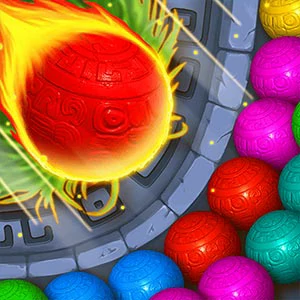
Desktop:1.Use your mouse to aim and use the left click button to throw a ball upward.1.1.If you hold in the left click button you can adjust your aim & it will show a dashed line of where the ball will head.2.If you do not like the current ball you can click the swap balls button between Oscar and Hedgehog to throw the next ball first.Touchscreen devices:Tap the screen to use your finger like a mouse. Level interface:1.Your current score is shown at the top of the screen.2.Next to your score it shows a meter which shows how close you are to earning a star rating on the current level.3.Right of the star meter there is a pause button which opens up a menu offering the following options: restart level, resume play, sound control and level select screen.